
In recent years, remote work has become more than just a trend; it’s a lifestyle that many professionals now embrace. The freedom to work from the comfort of your home offers numerous advantages, from flexible schedules to reduced commute times. However, to truly thrive in a remote work environment, you need more than just a laptop and an internet connection. You need a well-designed and optimized workspace that boosts your productivity and enhances your overall work experience.
In this article, we’ll explore the key elements of creating the perfect home workspace for remote work success. Whether you’re a seasoned remote worker or just starting out, these tips will help you optimize your workspace and increase your productivity.
1. Location, Location, Location
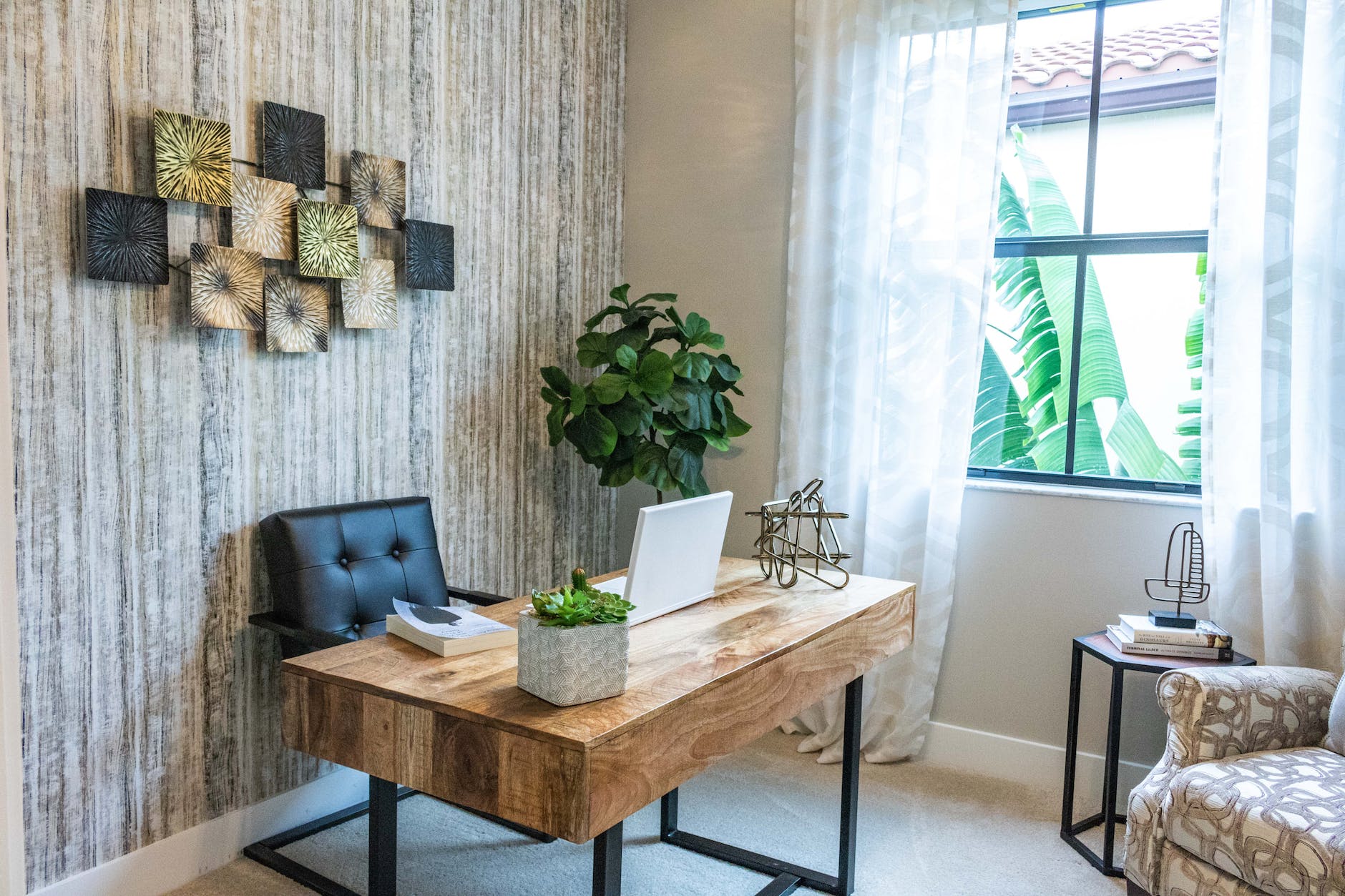
The first step in creating an effective home workspace is selecting the right location. Here are some considerations to keep in mind:
Natural Light:
Choose a spot with ample natural light. Natural light not only reduces eye strain but also improves mood and focus. Position your desk near a window if possible.
Quiet Space:
Select a quiet area where you can work without interruptions. If you have a dedicated room or a corner of a room, that’s even better. Consider noise-cancelling headphones if you can’t eliminate background noise entirely.
Ergonomics:
Pay attention to ergonomics. Your workspace should allow for proper posture to prevent discomfort or long-term health issues. Invest in an ergonomic chair and a desk with adjustable height if you can.
2. The Perfect Desk and Chair
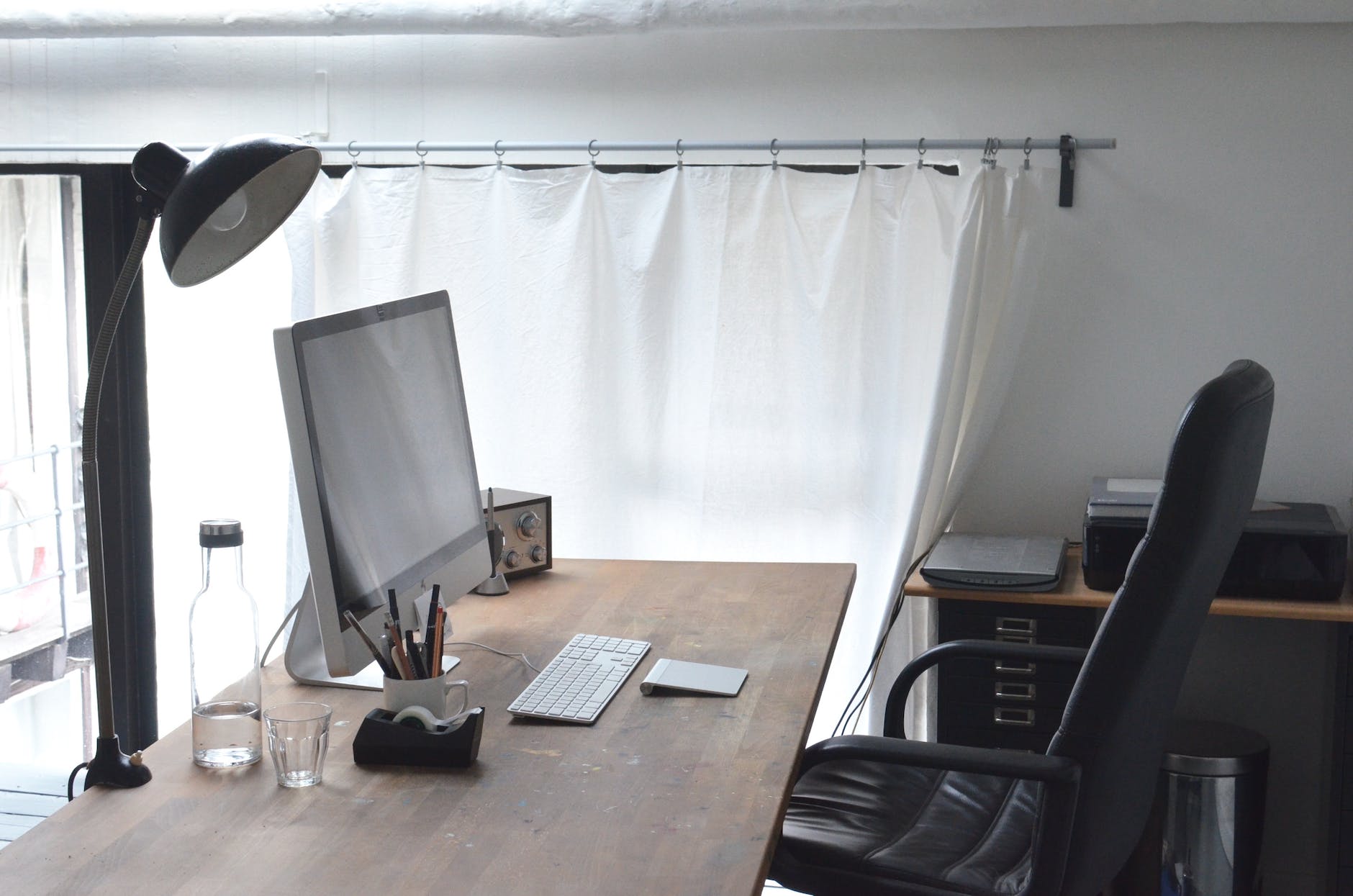
Your desk and chair are the foundation of your home workspace. Here’s what to look for:
Desk:
- Size and Shape: Choose a desk that fits your needs. If you use multiple monitors or need extra space for paperwork, a larger desk might be necessary.
- Storage: Consider a desk with built-in storage or add shelves and drawers for organization.
- Sturdiness: Ensure your desk can support your equipment and withstand daily use.
- Standing Desk: An adjustable Electric Height Standing Desk may be one of the best investments you can make. It will allow you the freedom to either sit or stand as you work.
Chair:
- Ergonomics: Look for a chair with lumbar support, adjustable height, and comfortable padding. The Gabrylly Ergonimic Mesh Office Chair provides 4 supporting points(head/ back/ hips/ hands) and a proper lumbar support, swivel, tilt function and more.
- Mobility: If your workspace is in a shared area, consider a chair with wheels for easy mobility.
- Aesthetics: Choose a chair that complements your workspace design.
3. Essential Equipment
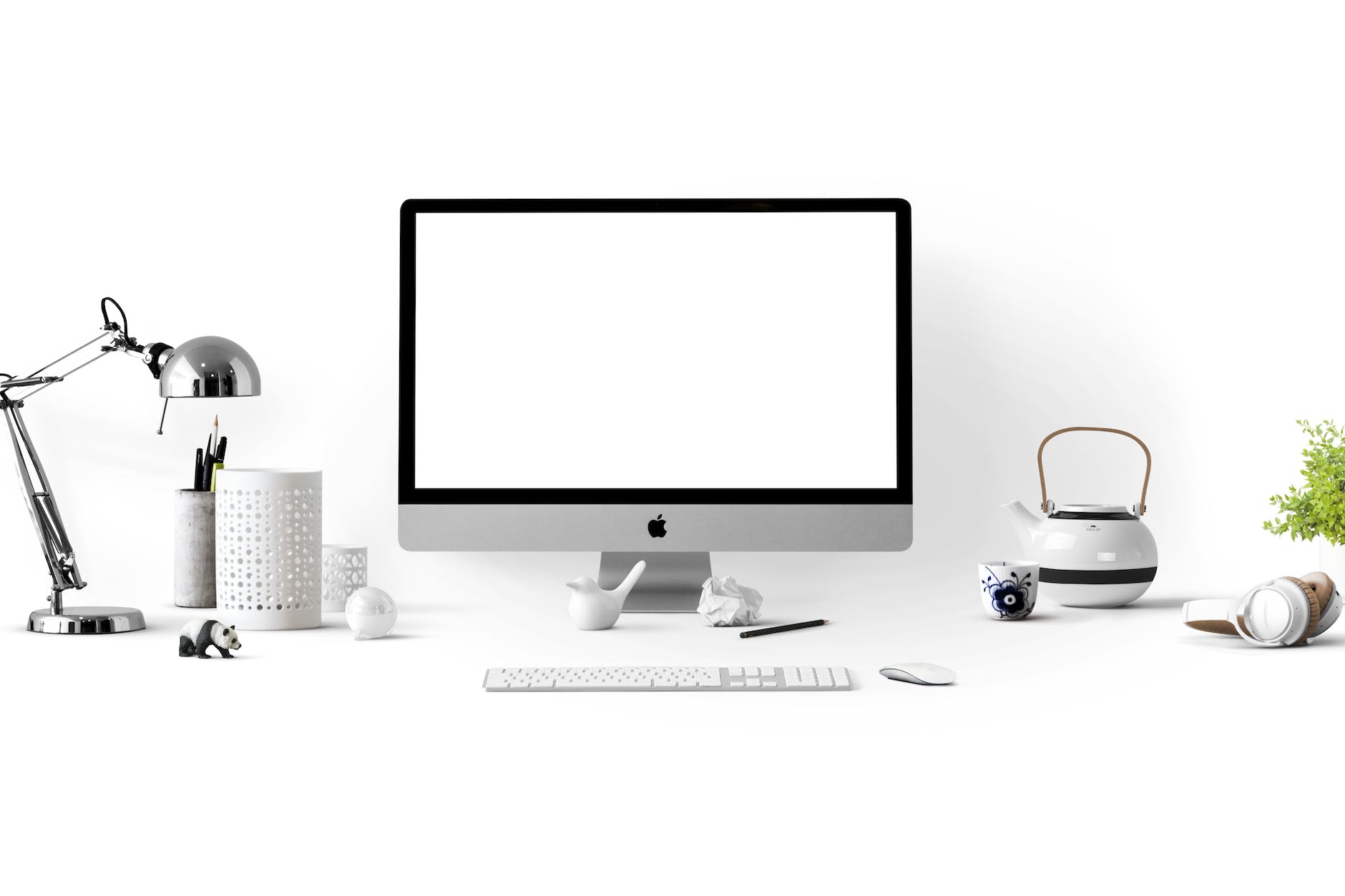
Equipping your home workspace with the right tools is essential for productivity:
Computer:
Invest in a reliable computer with sufficient processing power and memory for your work tasks. The HP 14″ inch Ultral Light Laptop today is more than suitable for handling applications for remote work.
Monitor(s):
Consider using an external monitor or multiple monitors for increased screen real estate, which can boost productivity. A lightweight 15.6″ inch portable external monitor allows you to take your productivity anywhere.
Internet Connection:
A high-speed and stable internet connection is non-negotiable for remote work. Ensure you have a backup plan, such as a mobile hotspot, in case of outages.
Keyboard and Mouse:
Choose ergonomic and comfortable input devices to reduce strain during long work hours. Investing in a wireless ergonomic keyboard can go a long way in reducing strain on your arms and hands.
Webcam and Microphone:
If your job involves video conferencing, invest in a good-quality webcam and microphone for clear communication. Most rooms do not emit enough light for video conferencing. A 4K Webcam with microphone and adjustable light will help increase your visibility when conferencing face to face.
Headphones or Speakers:
Choose audio devices that suit your work style and environment. Noise-cancelling headphones are excellent for concentration.
4. Personalize Your Space
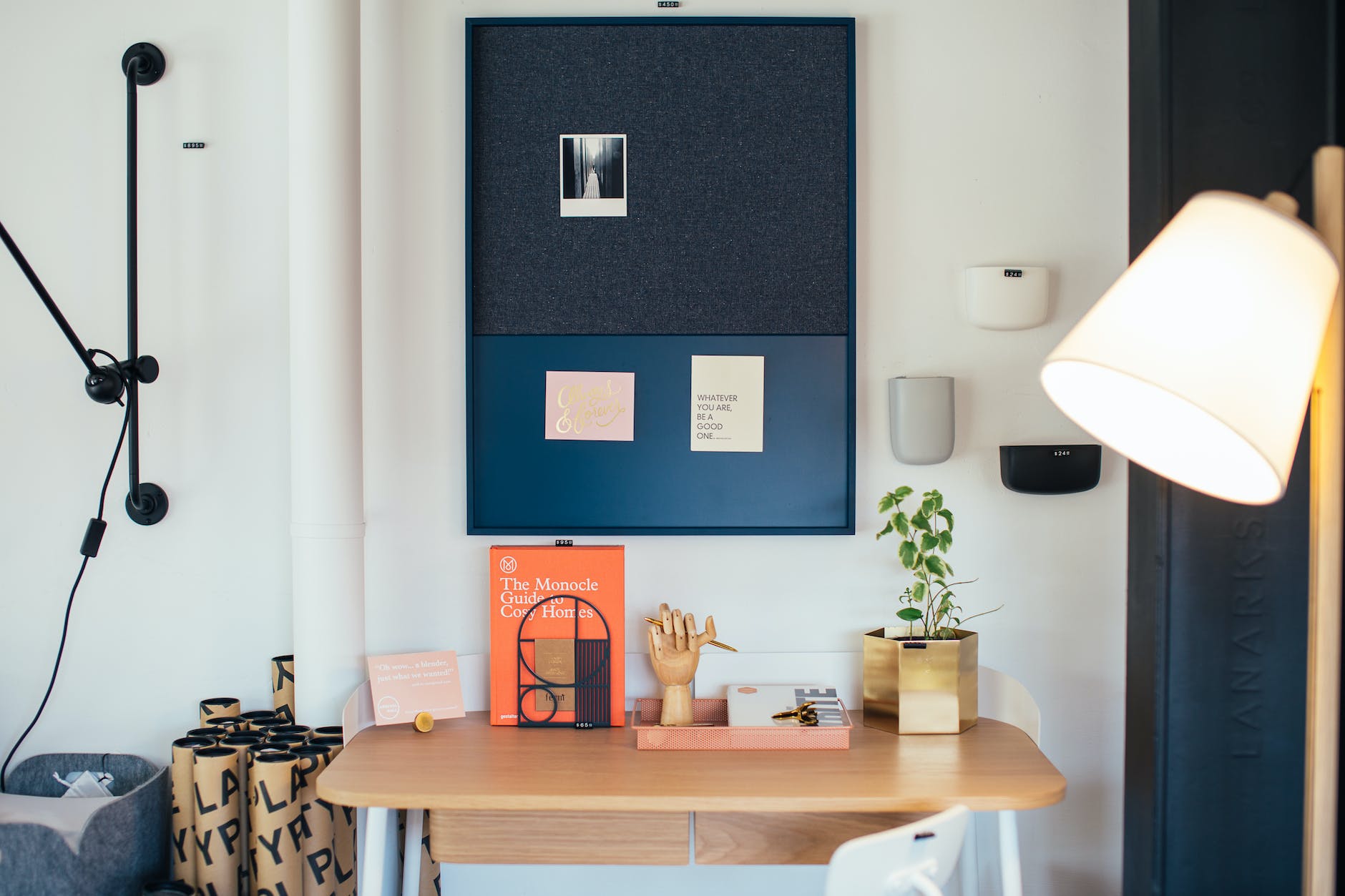
Make your workspace your own by adding personal touches:
Decor:
Add plants, artwork, or decorations that inspire you and create a pleasant atmosphere.
Organizational Tools:
Use organizers, cable management solutions, and desk accessories to keep your workspace tidy and efficient.
Inspirational Quotes:
Hang up motivational quotes or images that keep you focused and motivated.
5. Cable Management
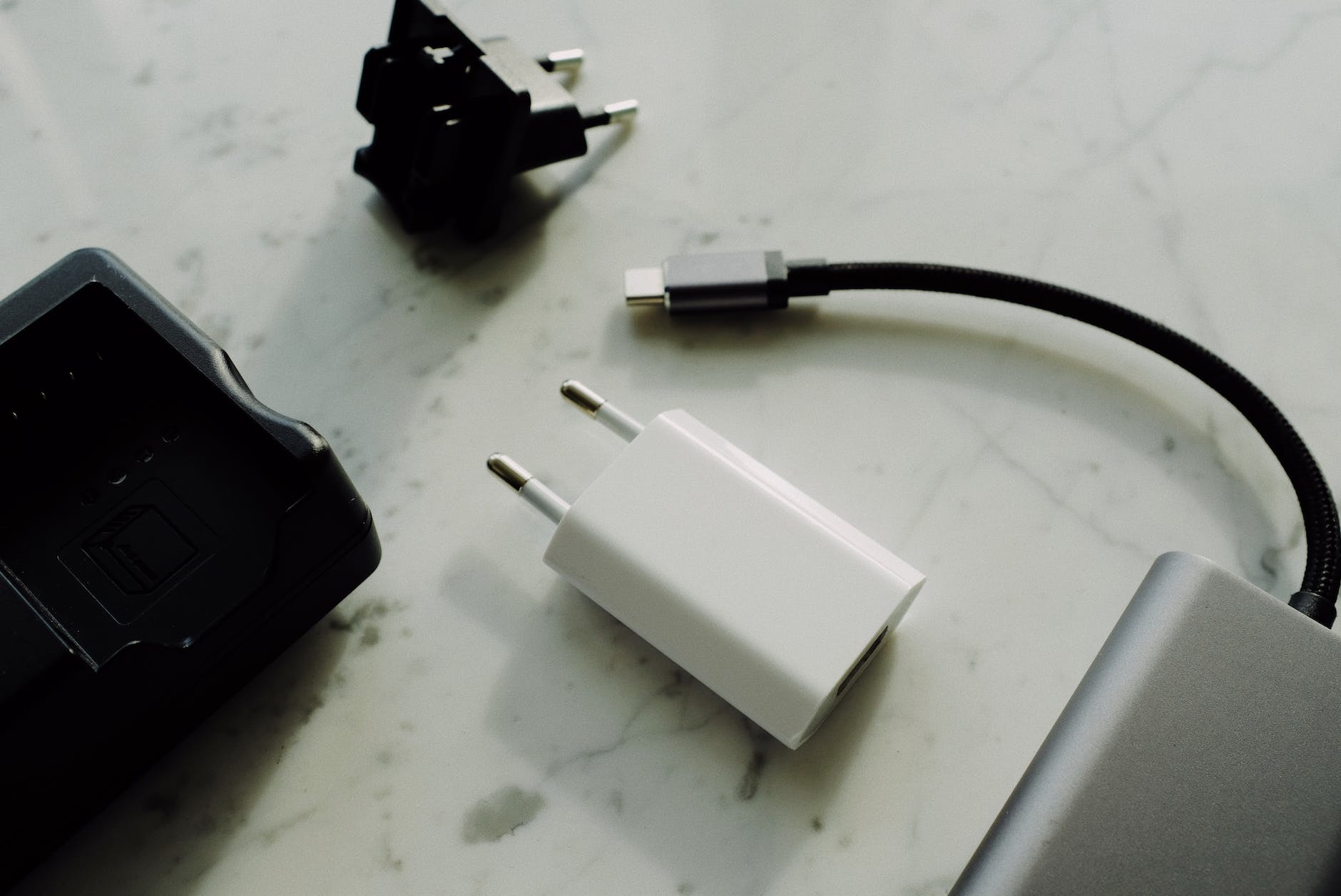
Don’t let a web of tangled cables ruin your workspace. Use cable clips, organizers, and cable sleeves to keep your wires organized and out of sight. A clean workspace is a productive workspace.
6. Lighting
Proper lighting is crucial for productivity and reducing eye strain. Consider these lighting tips:
Task Lighting:
Add a desk lamp with adjustable brightness for focused tasks.
Ambient Lighting:
Choose warm, soft lighting to create a cozy and inviting atmosphere.
Blue Light Filters:
Install blue light filters on your screens to reduce eye strain and sleep disruption.
This Home Office Touch LED Desk Lamp has 50 lighting modes and filters blue light.
7. Storage Solutions
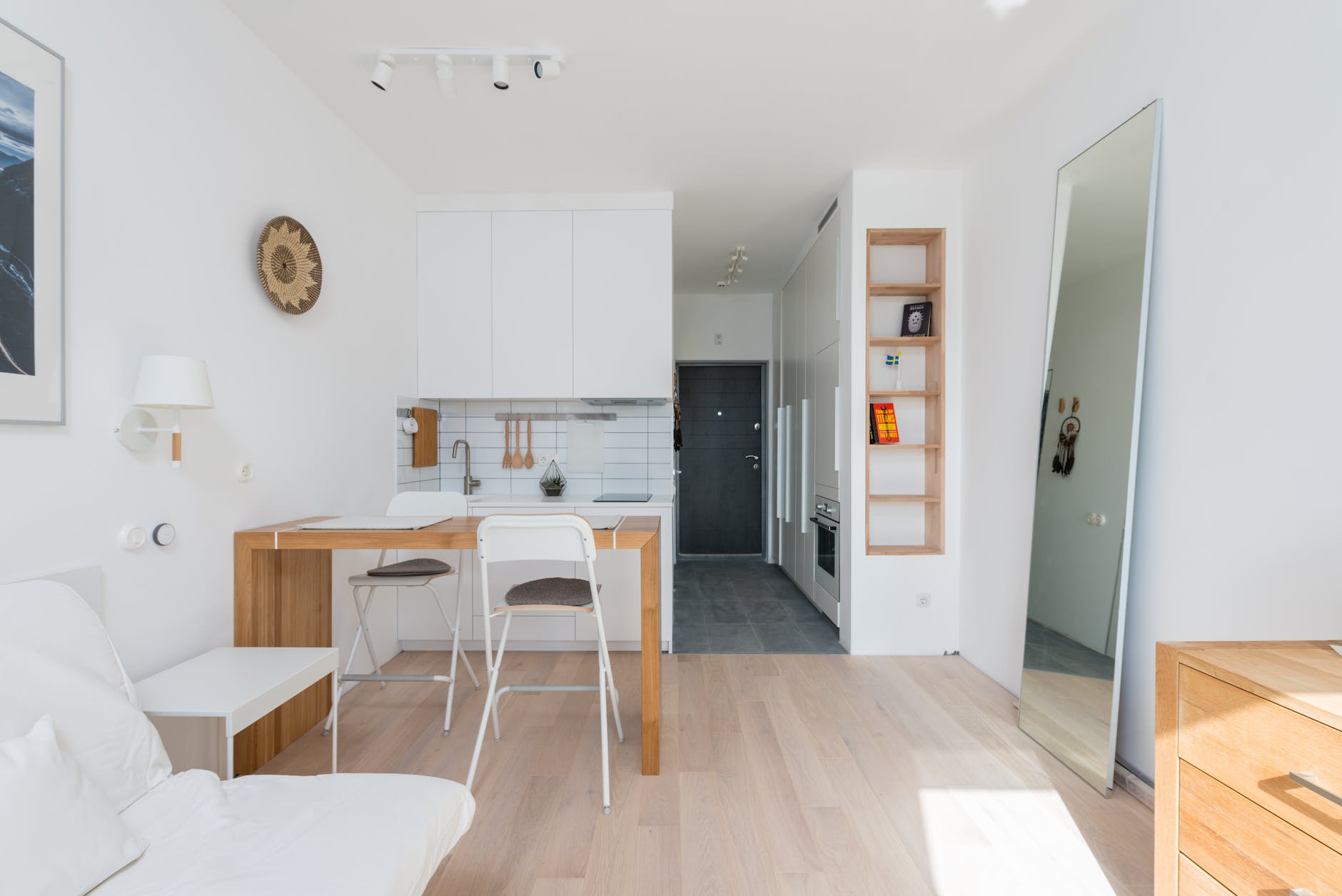
Keep your workspace clutter-free with effective storage solutions:
Shelves and Cabinets:
Install shelves or cabinets to store office supplies, files, and personal items.
Filing System:
Implement a digital or physical filing system to keep important documents organized.
Desk Organizer:
Use a desk organizer to keep pens, notebooks, and other essentials within reach.
A combination Organizer Tray with Desk Monitor Stand may help your workspace look more esthetically pleasing.
8. Connectivity
Ensure your workspace is equipped with all the necessary connectivity options:
Power Outlets:
Have sufficient power outlets or use surge protectors with USB ports to avoid overloading circuits.
USB Ports:
Consider adding a USB hub or docking station for easy connectivity with peripherals.
9. Personal Wellness

In the dynamic realm of remote work, personal wellness emerges as an indispensable pillar of success and satisfaction. Your overall well-being significantly influences your productivity and overall work experience. In this section, we’ll delve deeper into the importance of personal wellness, shedding light on essential practices that can elevate your remote work journey.
1. Break Area: Establishing a dedicated break area is a pivotal step in nurturing your personal wellness while working remotely. This designated space acts as a haven for you to retreat to during breaks, offering a respite from work-related stressors and an opportunity to recharge.
Consider personalizing your break area with elements that resonate with you, such as cozy cushions, soothing colors, or inspirational decor. By curating a comfortable and inviting environment, you enhance your ability to unwind and embrace mindfulness during your downtime.
2. Exercise Space: The sedentary nature of remote work can take a toll on your physical health. If space permits, it’s highly beneficial to incorporate a mini-exercise area into your home office setup. Equipping this space with essential exercise tools like a yoga mat, resistance bands, or compact workout equipment empowers you to stay active throughout the workday.
To make the most of your exercise space, explore online fitness resources that offer quick and effective workouts tailored to your schedule. Engaging in regular physical activity not only boosts your physical well-being but also enhances mental clarity and focus, ultimately optimizing your performance in remote work.
3. Healthy Snacks: Maintaining your energy levels throughout the workday hinges on proper nutrition. Ensure that you keep a well-stocked supply of healthy snacks and hydration options within arm’s reach. This prevents the temptation of reaching for less nutritious alternatives when hunger strikes.
Consider filling your break area or home office with an assortment of wholesome choices, including nuts, fresh fruits, low-sugar granola bars, and hydrating beverages. Additionally, having a reusable water bottle nearby promotes consistent hydration, which is essential for sustaining concentration and overall well-being.
In conclusion, personal wellness should remain a top priority as you navigate the world of remote work. By creating a designated break area, incorporating a mini-exercise space, and keeping a selection of healthy snacks and hydration options close at hand, you can strike a harmonious balance between work and well-being. These thoughtful practices not only contribute to your overall health but also enhance your productivity and job satisfaction. Embrace these strategies, and you’ll thrive in the realm of remote work, ensuring a fulfilling and sustainable professional journey.
10. Regular Maintenance

Lastly, remember that a well-organized workspace requires regular maintenance:
Cleaning:
Dust and clean your workspace regularly to keep it inviting and hygienic.
Updates:
As your work needs change, be open to reorganizing and updating your workspace accordingly.
In conclusion, your home workspace plays a crucial role in your remote work success. By carefully considering factors like location, furniture, equipment, personalization, organization, lighting, and personal wellness, you can create the perfect workspace that enhances your productivity and overall work experience. Keep in mind that a well-optimized home workspace not only benefits your work but also your well-being. So, invest the time and effort to create a space that empowers you to excel in your remote work journey.
Disclosure: Some of the links above are affiliate links. This means that, at zero cost to you, I will earn an affiliate commission if you click through the link and finalize a purchase.